Nano Banana
Nano Banana 2
Prompt
精致的五官,桀骜不驯,汉代贴身华丽丝绸光质感劲装,华丽头饰,比哈妮克孜还要艳美动人,美人武者半身肖像油画,皮肤细腻光滑,妆容淡雅清新,突出自然美感 。空灵的气氛,巧妙地捕捉情感,杰作,柔和,高分辨率,景深构图,层次32k高清蓝光。3d效果。油画风格。

 Nano Banana 2×
 LimaxAI
Use Nano Banana 2 in LimaxAI to generate, refine, and iterate visuals with stronger instruction following, better typography quality, and stable multi-reference control for real production scenarios.
 1 / 6
1 / 6从概念到精美成品只需几秒,每张都是真实生成的作品。
相同提示词,两代模型并排输出。细节、质感与还原度的全面跃升一目了然。
Prompt
精致的五官,桀骜不驯,汉代贴身华丽丝绸光质感劲装,华丽头饰,比哈妮克孜还要艳美动人,美人武者半身肖像油画,皮肤细腻光滑,妆容淡雅清新,突出自然美感 。空灵的气氛,巧妙地捕捉情感,杰作,柔和,高分辨率,景深构图,层次32k高清蓝光。3d效果。油画风格。
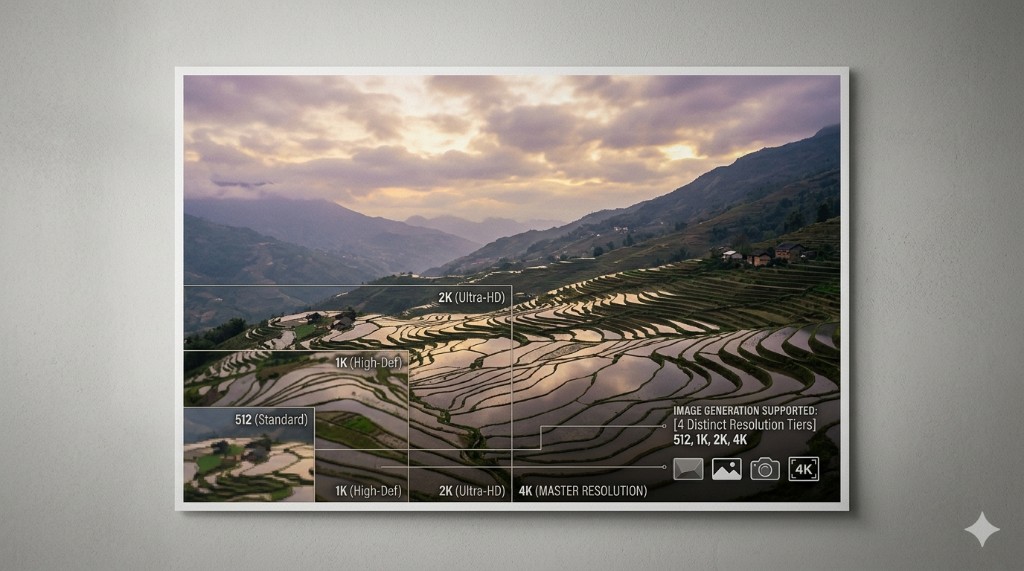
速度更快、参考图更多、分辨率更宽、文字更准——每一项都有具体数字支撑。
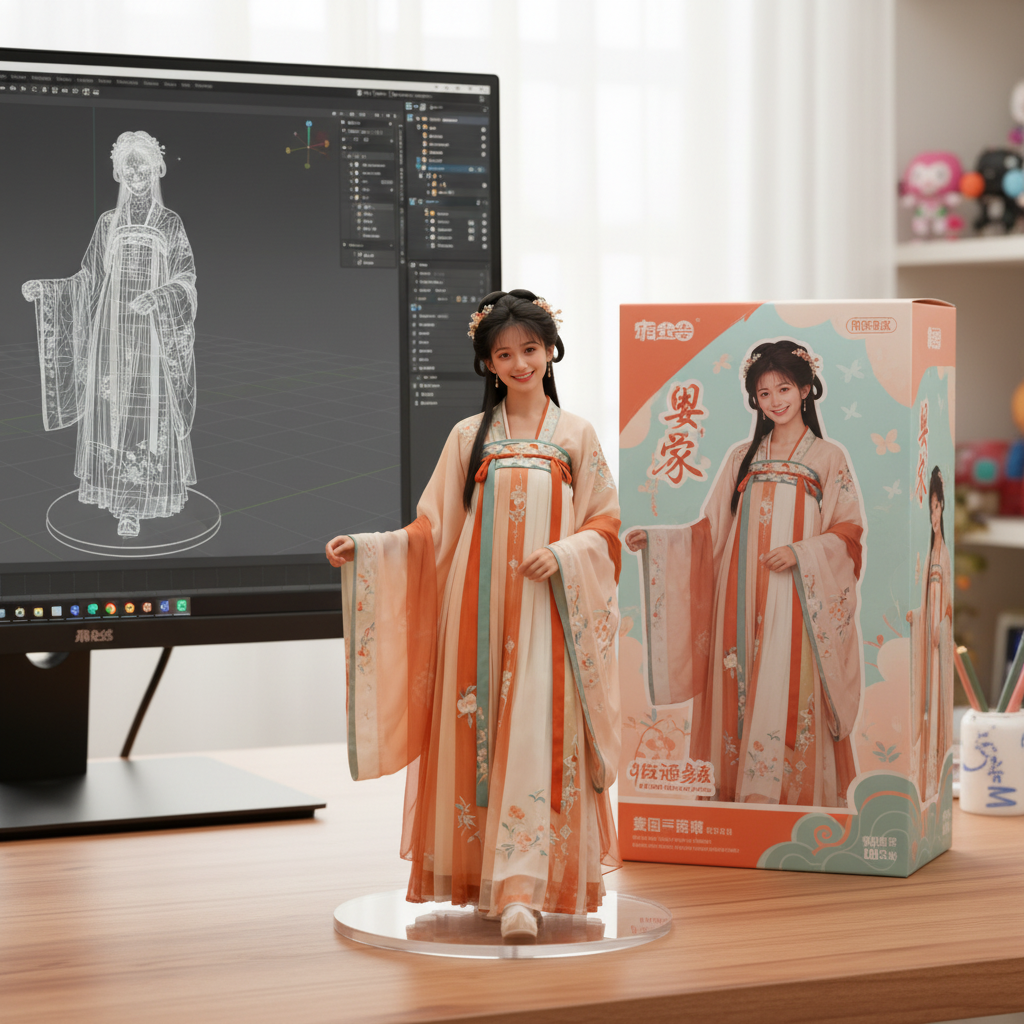
Support marketing and presentation use cases。Good detail retention in product-focused scenes。Suitable for social, landing, and ad creatives
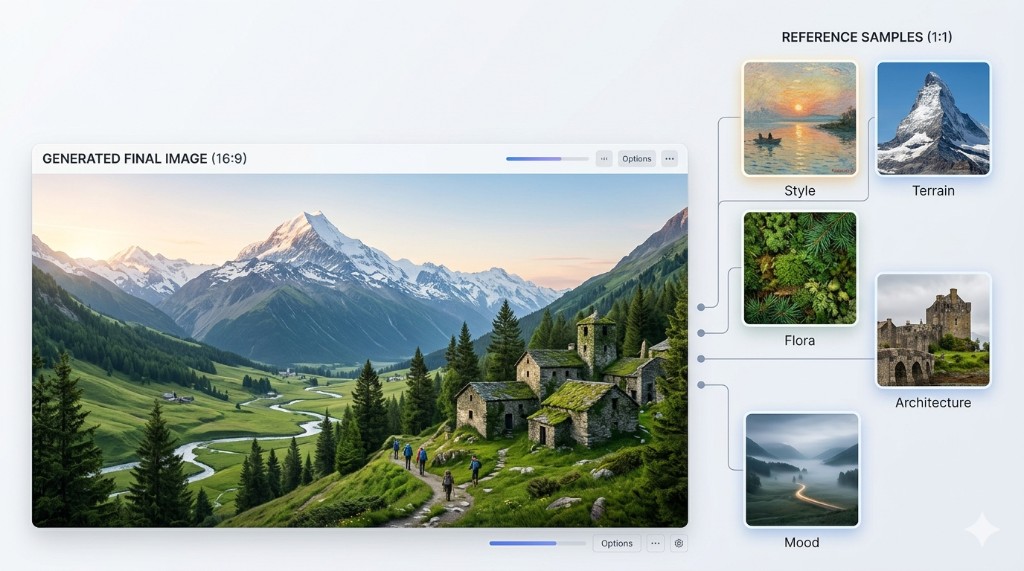
Preserve subject identity across revisions。Keep visual style aligned in a batch workflow。Improve handoff quality for design teams
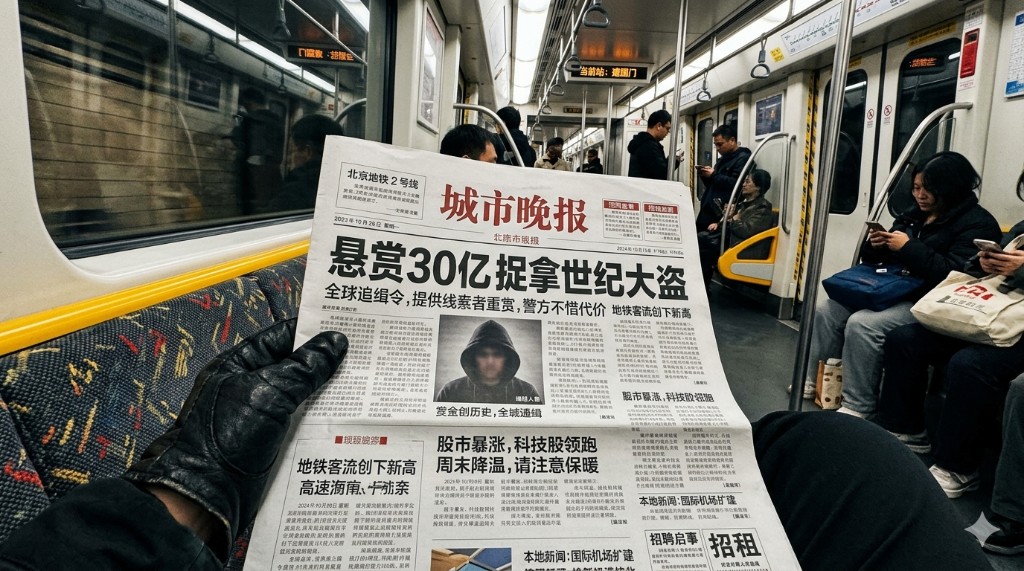
More readable multilingual text in creative assets。Better structure for poster and cover layouts。Reduce manual text correction rounds

Quick preview outputs for creative decisions。Lower delay between prompt and feedback。Useful for campaign drafting and A/B concepts
面向开发者和高级用户的技术参数。
Model
Nano Banana 2
Recommended high-quality generation and editing model on LimaxAI.
Typical response speed
Fast iteration for prompt-driven image tasks
Latency varies with resolution, prompt complexity, and queue load.
Inputs
Text prompt + optional reference images
Supports pure text generation and guided edits with reference images.
Output resolution
Use the available quality levels based on your project requirements
Choose quality level based on delivery channel and cost target.
landing.nanoBanana2.specs.items.editing.label
landing.nanoBanana2.specs.items.editing.value
landing.nanoBanana2.specs.items.editing.description
Aspect ratio
Standard and custom ratios for campaign, social, and editorial layouts
Covers common social, ad, and landing-page aspect ratios.
Describe, generate, and export. Three steps from idea to deliverable assets.
Write a prompt with subject, style, composition, and target usage context.
Run generation, then iterate with references and targeted edits for better control.
Select an output format and ratio suitable for ads, product pages, or social channels.
不是玩具,而是替代数小时手工操作的生产力工具。
Prototype campaign visuals faster while preserving style quality and readable text.
Create product-focused creatives and seasonal assets with faster turnaround.
Produce concept art, storyboards, and social visuals with tighter iteration loops.
Scale creative testing with consistent outputs across landing pages and ad channels.
It is a high-speed image generation and editing option in LimaxAI for teams that need fast iteration, stronger instruction following, and production-ready visual outputs.
Choose it when your workflow requires quick edit cycles, consistent references across assets, and clearer embedded text for campaign-style designs.
You can use generated assets according to LimaxAI terms and the applicable model usage policies. Confirm compliance requirements before large-scale production.
Use explicit prompts, provide strong reference images, define composition constraints, and iterate in small steps instead of rewriting the whole prompt each round.
Go directly to the Nano tool entry in LimaxAI and test one scenario from this page with your own brand or product references.
立即体验
Open the tool and turn one prompt into a reusable creative asset pipeline.