
Bring together leading AI image and video models including Midjourney, Nano Banana, So Video, and Veo. Use outpainting, portrait-to-anime, and more to create pro-level work with ease.






'%3e%3cg%20clip-path='url(%23master_svg1_2_916)'%3e%3c/g%3e%3cg%3e%3cpath%20d='M4.7133999,10.1281099L4.4668198,10.693790400000001C4.2863693,11.1078997,3.7135699,11.1078997,3.5331197,10.693790400000001L3.2865598,10.1281099C2.8470597,9.1194696,2.0554497,8.316410099999999,1.0676697,7.87708L0.30804676,7.5392199C-0.10268224,7.3565302,-0.10268224,6.75881,0.30804676,6.5761199L1.0251998,6.2571402C2.0383797,5.806509999999999,2.8441699,4.9737301,3.2761197,3.9308300000000003L3.5293198,3.31953001C3.7057798,2.89348996,4.2941694,2.89348996,4.4706297,3.31953001L4.7238197,3.9308300000000003C5.1557693,4.9737301,5.9615793,5.806509999999999,6.9748001,6.2571402L7.6918802,6.5761199C8.1027098,6.75881,8.1027098,7.3565302,7.6918802,7.5392199L6.9322796,7.87708C5.9445095,8.316410099999999,5.1528797,9.1194696,4.7133999,10.1281099ZM10,7C10,10.3137102,7.3137102,13,3.9999998,13C2.9071398,13,1.8825197,12.7077999,0.99999976,12.1973L0.99999976,20C0.99999976,20.552299,1.4477198,21,1.9999998,21L16,21C16.552299,21,17,20.552299,17,20L17,15.8L22.213301,19.449301C22.2973,19.508101,22.3974,19.5397,22.5,19.5397C22.7761,19.5397,23,19.3158,23,19.0397L23,6.96033C23,6.8577399,22.968399,6.7576399,22.909599,6.6736002C22.751301,6.4473701000000005,22.439501,6.3923502,22.213301,6.5507102L17,10.1999998L17,6C17,5.4477201,16.552299,5,16,5L9.6585903,5C9.8796902,5.6255597999999996,10,6.2987299,10,7Z'%20fill='%23FFFFFF'%20fill-opacity='1'%20style='mix-blend-mode:passthrough'/%3e%3c/g%3e%3c/g%3e%3c/svg%3e)
'%20fill='%23000000'%3e%3cpath%20d='M15.125,0%20C18.9218333,0%2022,4.92525%2022,11%20L13.75,11%20C13.75,17.07475%2010.6718333,22%206.875,22%20C3.07816667,22%200,17.07475%200,11%20L8.25,11%20C8.25,4.92525%2011.3281667,0%2015.125,0%20Z'%20id='路径'%3e%3c/path%3e%3c/g%3e%3c/g%3e%3c/svg%3e)
Powerful AI creation
Leading AI models in one place for unlimited possibilities
Generate images
Midjourney, Nano Banana, and more—text-to-image and editing in one flow.
Generate video
So Video, Veo, and more—high-quality video from prompts.
Creative tools
Outpainting, portrait-to-anime, and more ways to create.
AI image editing
Flexible, efficient AI editing—background swap, object removal, style transfer, all in a few clicks.
Smart background swap
Replace backgrounds in one click. AI detects the subject, cuts cleanly, and blends the new scene.
Remove & inpaint
Remove unwanted objects with intelligent fill that keeps the scene natural.
Style transfer
Switch styles instantly—from photorealistic to illustration, modern to retro.
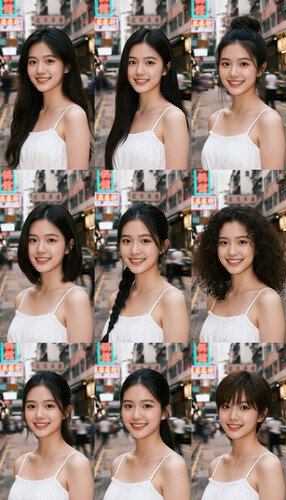
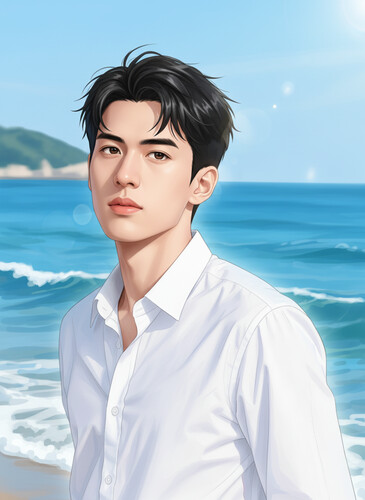
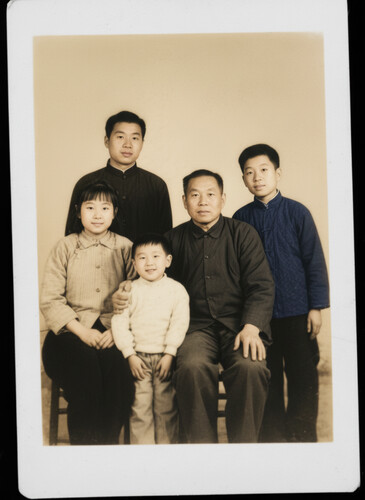
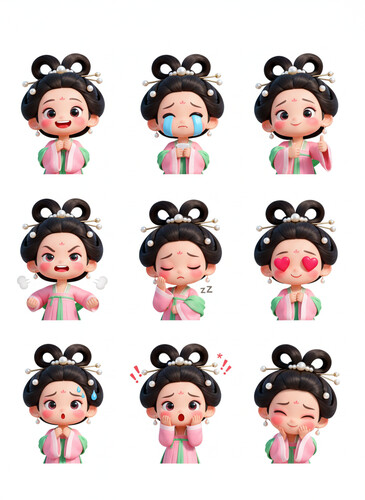
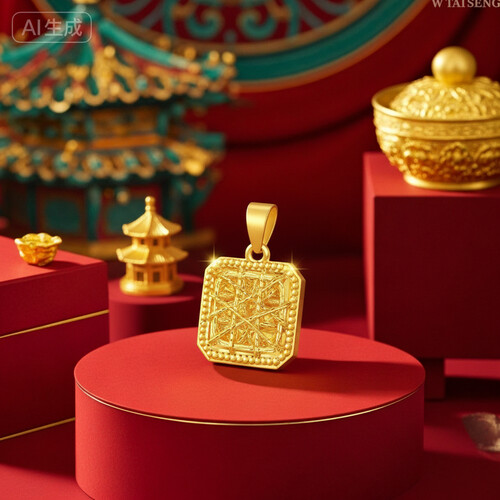
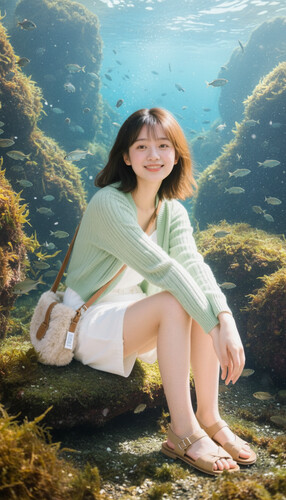
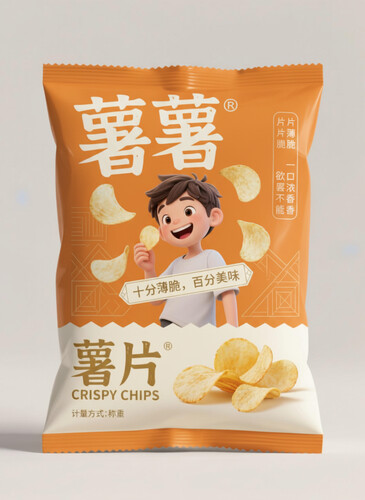
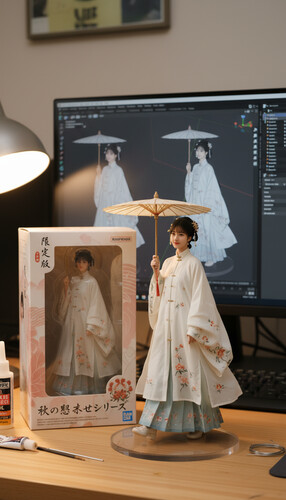
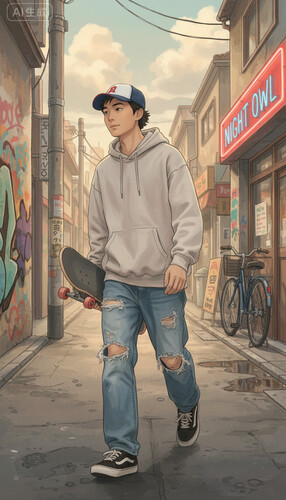
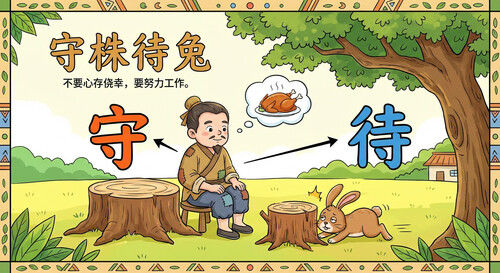
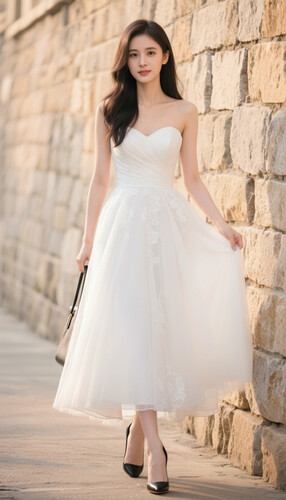
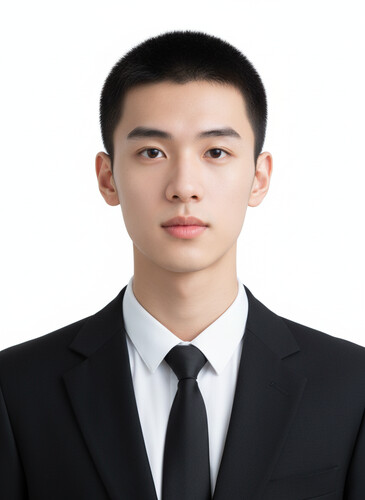
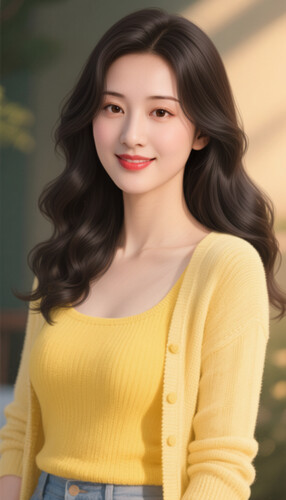
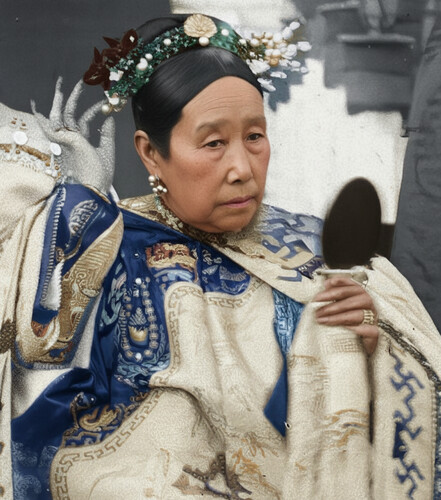
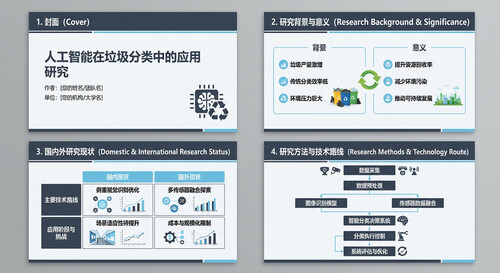
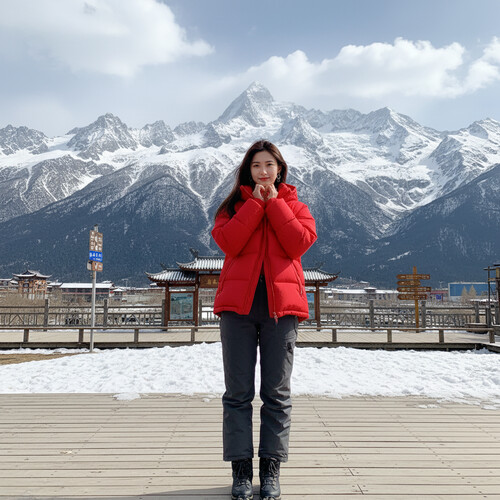
Showcase
Real user work in many styles—inspiration for your next creation.
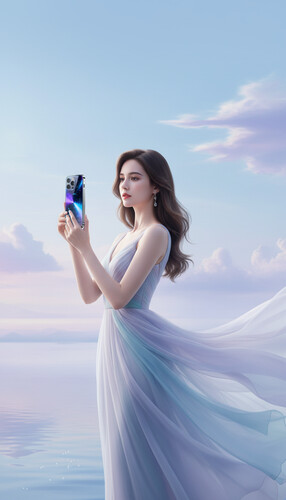
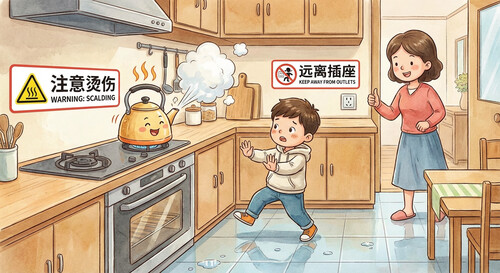
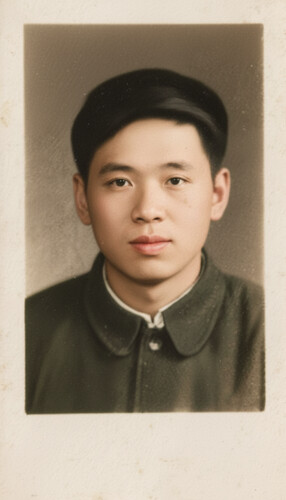
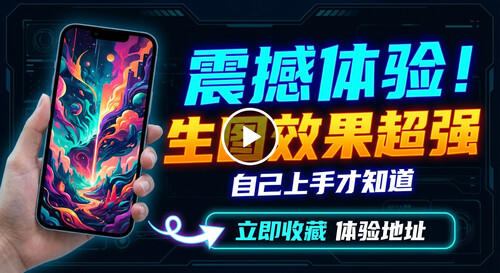
What users say
Real feedback on how AI creation speeds up workflows and lifts quality.
"Batch image generation changed our workflow. What took a full day now takes under an hour, with consistent style. Launches are faster and customers notice.
"Turning text ideas into images is incredibly fast. Browsing others’ work teaches new composition tricks—content quality and engagement improved.
"The real project examples in the community beat plain model demos. I see how styles work in practice—that sparks better ideas for my own work.
"Multiple models in one workspace helps the team ship together. Fewer tool hops, clearer handoffs, more stable deliverables.
"Video generation with scene prompts made pitches smooth. Clients see visuals in the room instead of waiting days for mockups—win rate and satisfaction both went up.
"Video tools are easy for mood boards and style refs. I spend less time hunting stock and more time editing the final cut.
FAQ
Which AI image models does LimaxAI support?
LimaxAI supports advanced models including Midjourney and Nano Banana. Midjourney delivers high-quality generation across styles; Nano Banana supports editing and style transfer for diverse needs.
How do I use AI video generation?
Describe your scene in a text prompt, pick a model such as So Video or Veo, and generate. You can also refine with editing, effects, and style options on the platform.
Who is LimaxAI for?
E-commerce teams, designers, brands, and creators who need images and video at scale—from product shots to campaign assets—with less production overhead.
Can I use outputs commercially?
Subject to our Terms of Service, generated images and video can be used commercially. We offer high-resolution exports for e-commerce, ads, and brand use. Please read the agreement before production use.
How can I improve image quality?
Use clear, specific prompts; pick the right model (e.g. Midjourney); tune resolution and style; add reference images when supported. The platform offers parameters to help you tune results.
Which export formats are supported?
Images: JPG, PNG, WebP, and more. Video: MP4, MOV, and common formats. Choose format and resolution to match your publishing channels.
Ready to create?
Join us and explore what AI creation can do.