
OPENAI / GPT IMAGE 2.6
GPT Image 2.6: AI Image Generation, Editing & Examples
Explore OpenAI’s image model for faster visual iteration, controlled edits and animated ideas. Compare Flare and Sunburst for product imagery, campaign layouts and character work.
Start Creating ↗Model capabilities are described below. Available models, formats and editing controls depend on the options shown in the LimaxAI workspace.

From a quick direction to a polished visual
OpenAI positions Flare for fast iteration and Sunburst for detail and stronger editing consistency. Explore a product composition first, then refine lighting, materials and layout. Generation time varies with quality settings and workload.
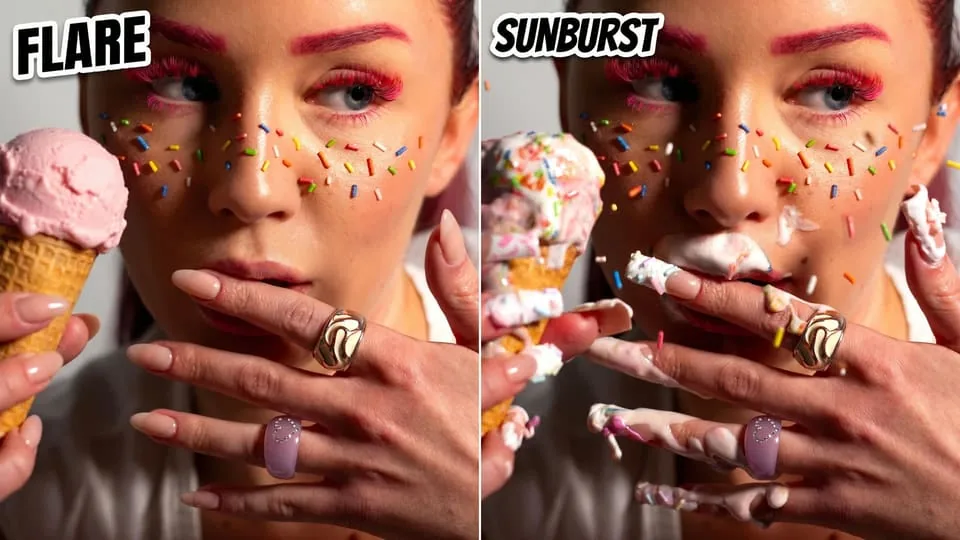
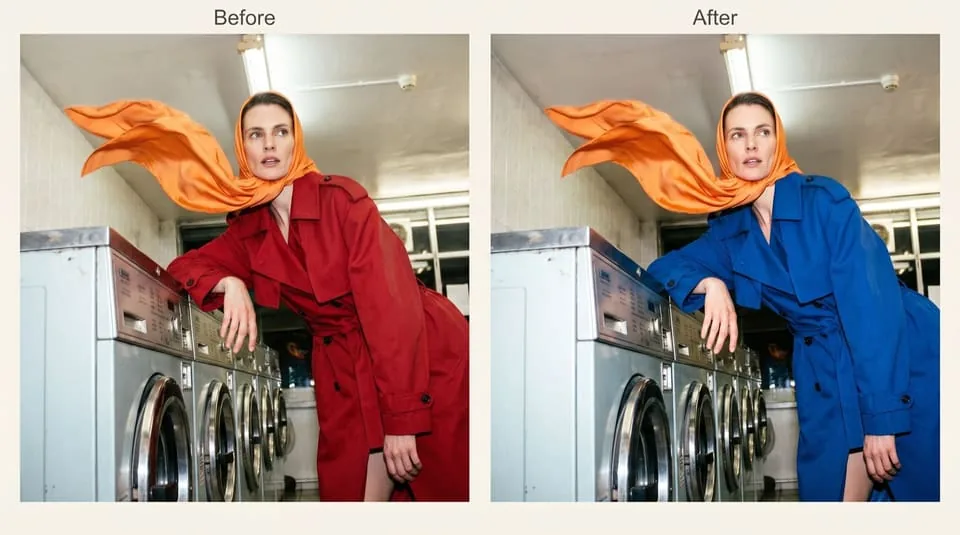
Keep the subject. Refine the details.
Multi-round editing can help preserve a character, product or brand while adjusting the scene. For a seasonal campaign, describe the new background and explicitly preserve the packaging, logo and camera angle. Inspect fine text and product details before publishing.
Give a mascot a moment of movement
The official release demonstrates GIF workflows for characters and product visuals. Start with one simple movement, such as a wave or rising steam, and keep the camera fixed. GIF availability depends on the platform and export workflow.
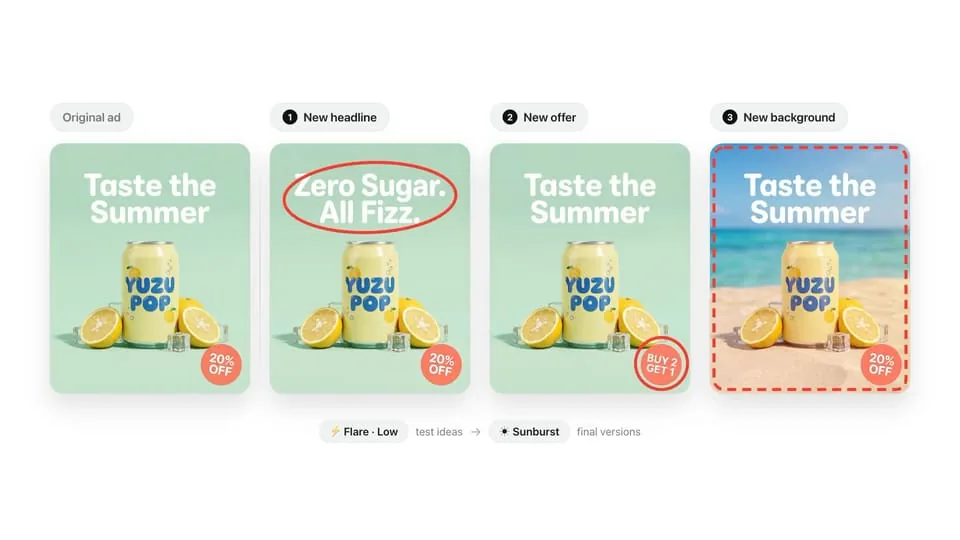
Build variations around one clear change
OpenArt illustrates seasonal product photos and controlled advertising variations. Change the headline, offer or background one at a time to compare creative directions. These are third-party workflow examples, not results generated by LimaxAI.

More visual examples
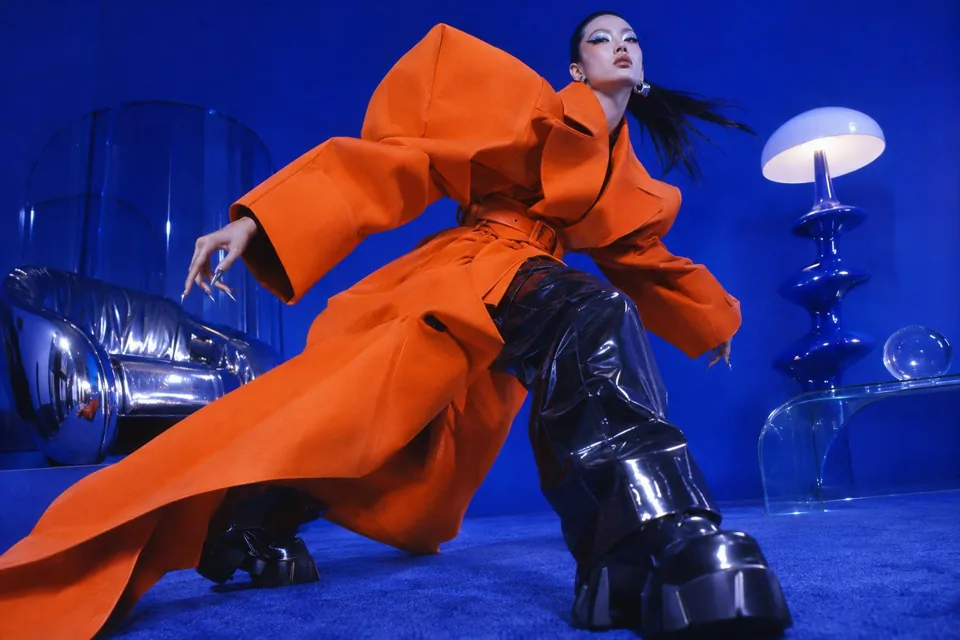
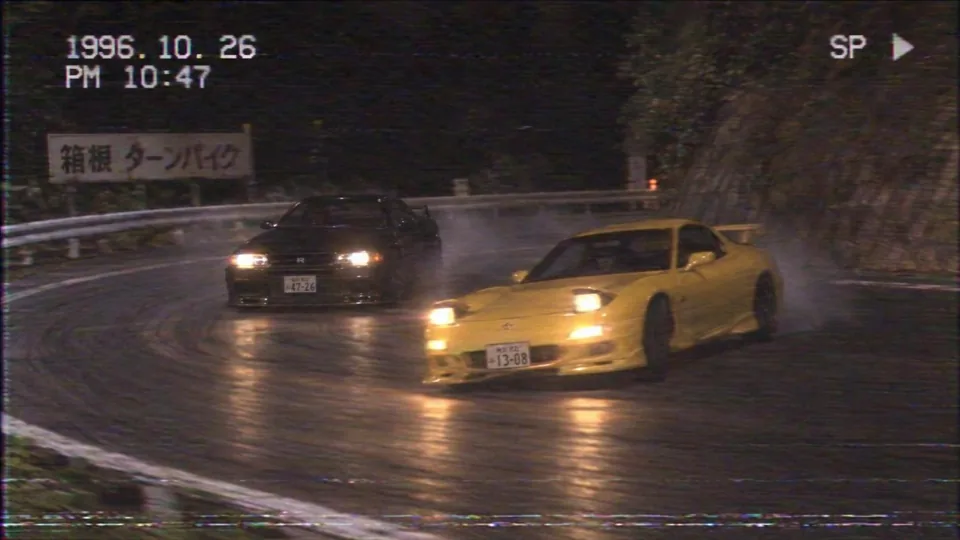
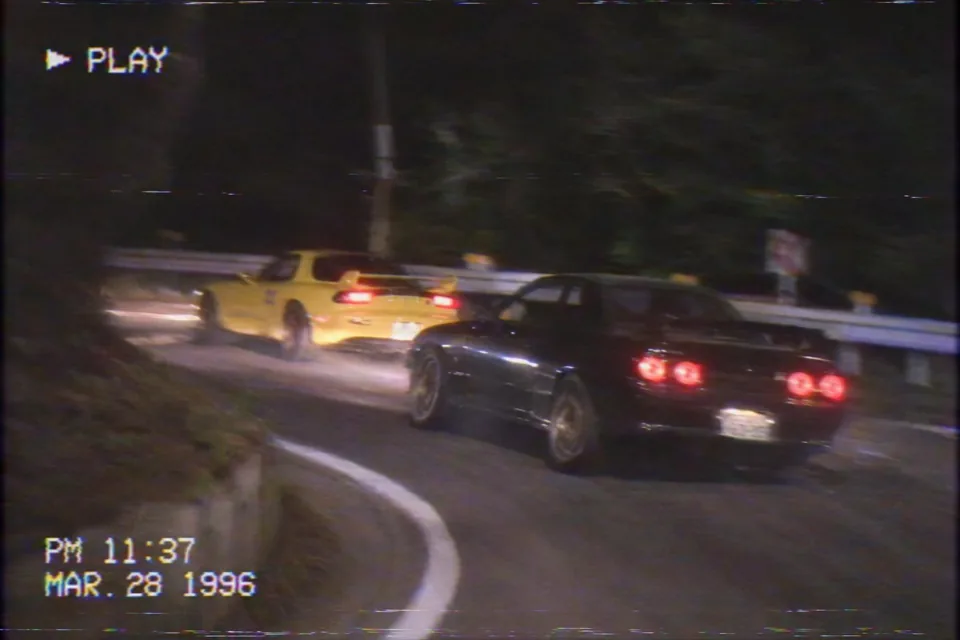
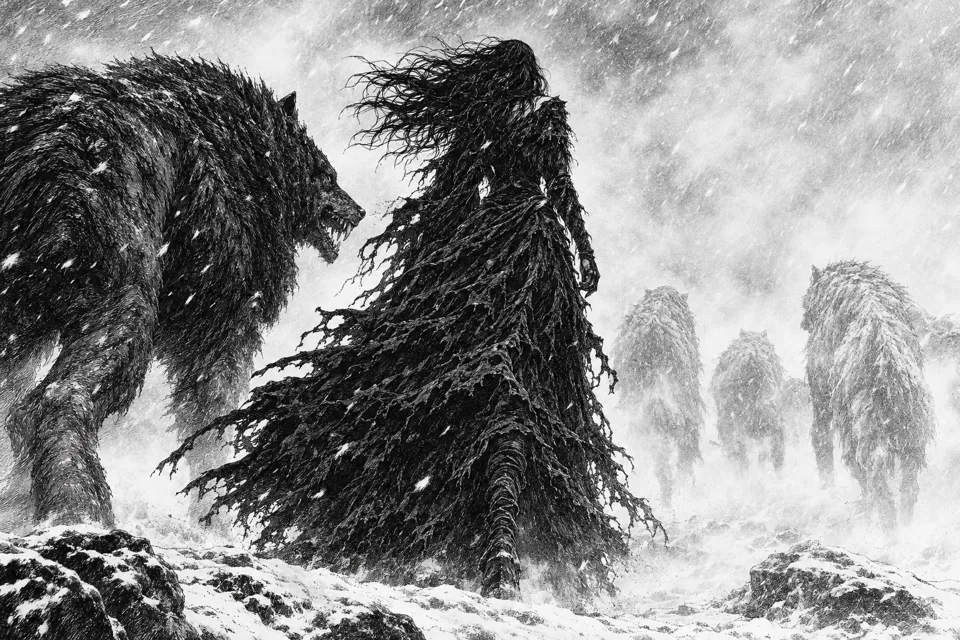
Examples published by OpenArt; not generated or tested by LimaxAI.
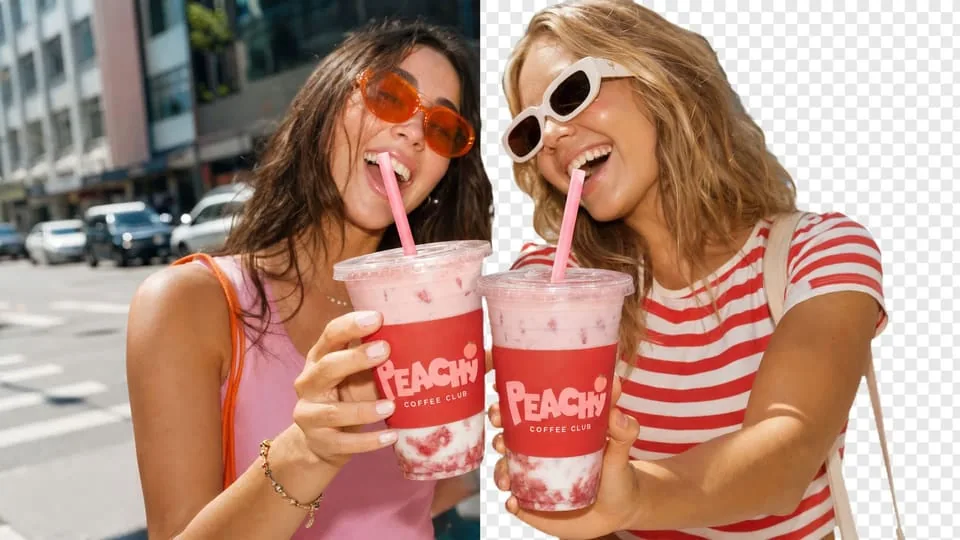
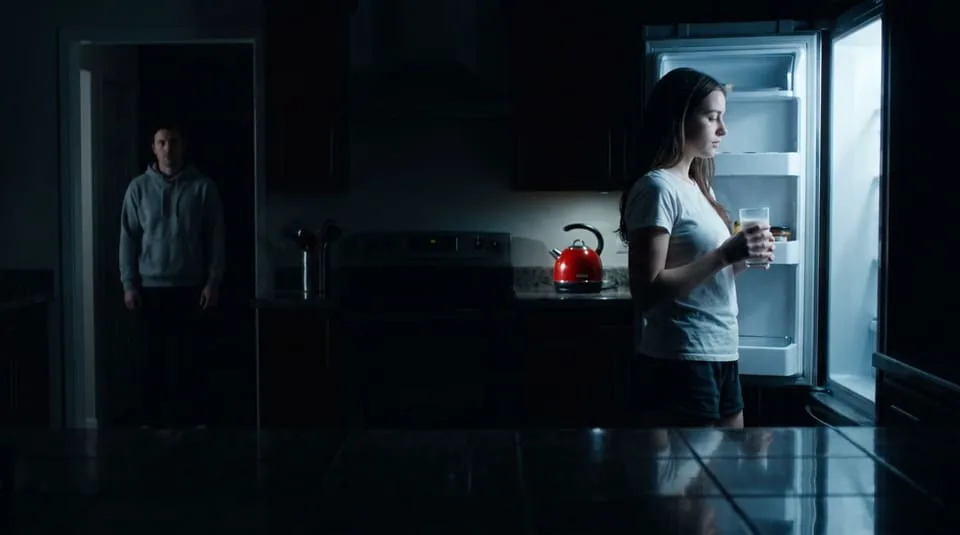
GPT Image 2.6 examples: details and limitations
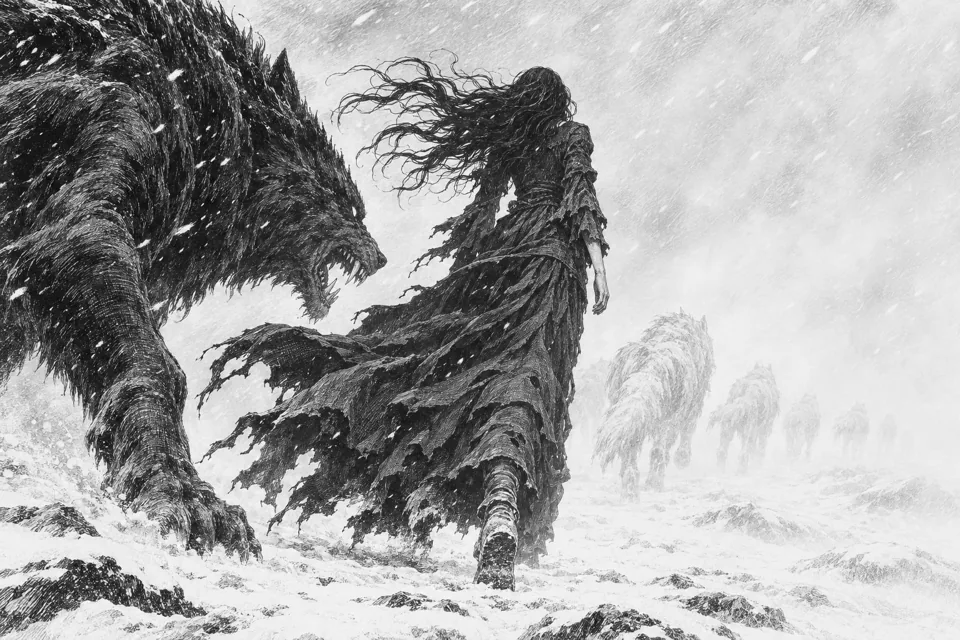
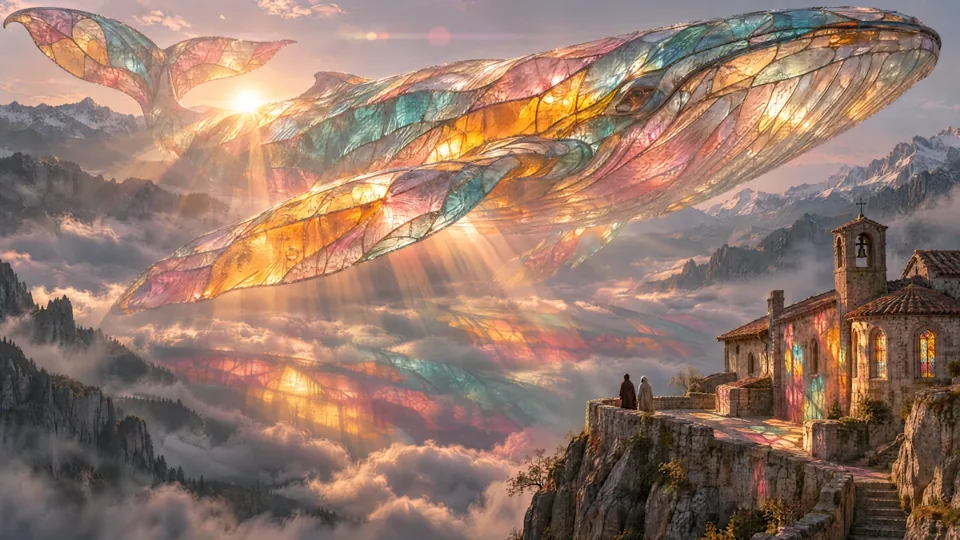
These are original results published by a third party, shown without cropping the composition. Inspect hands, perspective, text and materials. Individual examples do not establish a universal winner or promise LimaxAI performance.
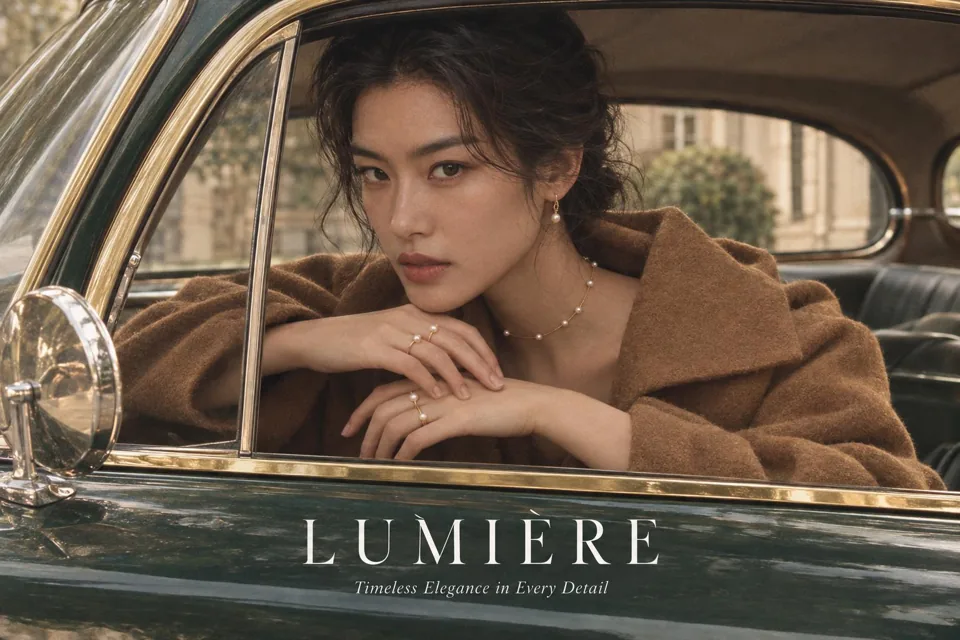
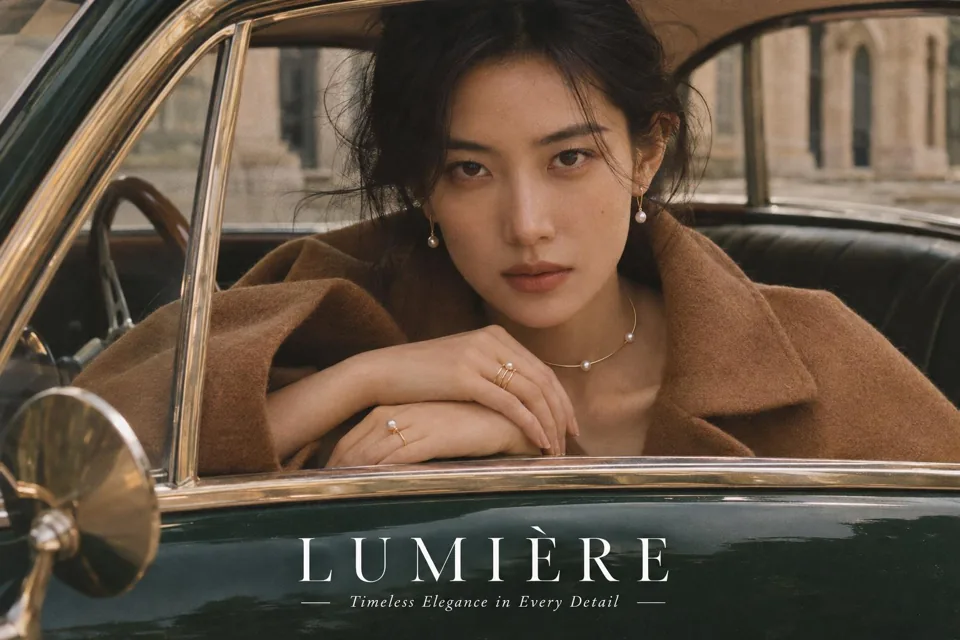
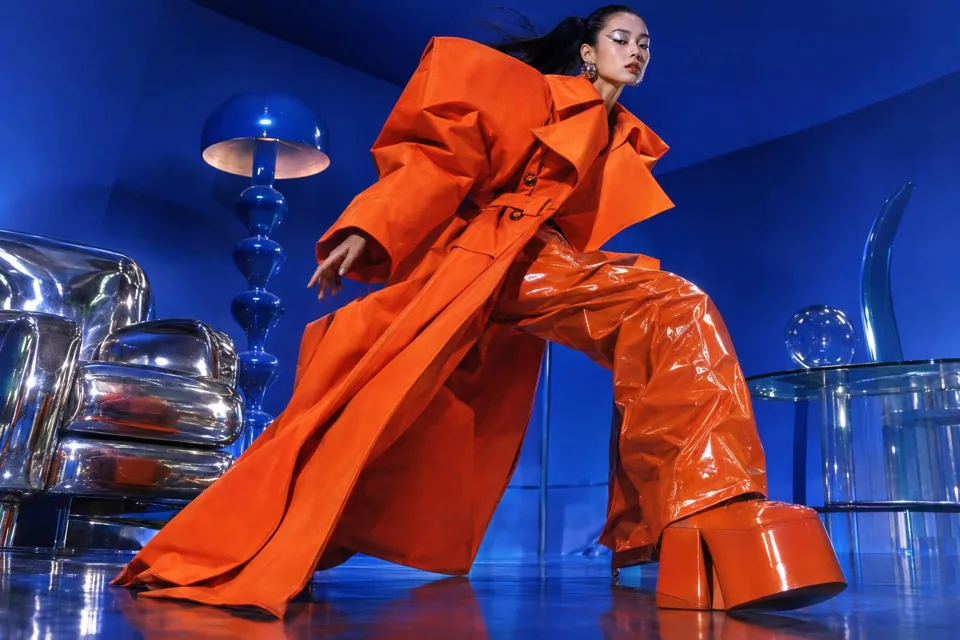
Why choose LimaxAI for GPT Image 2.6?
Explore GPT Image, Midjourney and other image models on one site. Choose tools for product images, posters or characters, read the workflow in your preferred language, and review plans before creating. Actual model and feature availability is shown in the workspace.
A practical prompting workflow
Describe the subject, intended use, composition and lighting. Put required wording in quotation marks. With a reference image, specify both what should change and what must remain. Review the result at full size, then refine one detail at a time.
Questions about GPT Image 2.6
How should I choose Flare or Sunburst?
OpenAI positions Flare for fast iteration and Sunburst for detail and stronger editing consistency. Explore a product composition first, then refine lighting, materials and layout. Generation time varies with quality settings and workload.
How can I edit a detail while preserving the subject?
Multi-round editing can help preserve a character, product or brand while adjusting the scene. For a seasonal campaign, describe the new background and explicitly preserve the packaging, logo and camera angle. Inspect fine text and product details before publishing.
Can GPT Image 2.6 make GIFs?
The official release demonstrates GIF workflows for characters and product visuals. Start with one simple movement, such as a wave or rising steam, and keep the camera fixed. GIF availability depends on the platform and export workflow.
How do I write an image prompt?
Describe the subject, intended use, composition and lighting. Put required wording in quotation marks. With a reference image, specify both what should change and what must remain. Review the result at full size, then refine one detail at a time.
Is GPT Image 2.6 free to use?
Check current LimaxAI plans and workspace allowances. Free credits, watermark policies and commercial terms offered by another site do not apply here.
Does the model overview mean every feature is available here?
No. Official model capabilities and platform tools differ. Check the model selector and available settings in the image workspace before generating. This page does not promise GIF export, annotation tools or a specific model variant in LimaxAI.