
VIDU / Q4 PREVIEW
Vidu Q4Turn images into video
Animate a first frame or combine up to 15 reference images. Create 3–16 second videos at 540p to 4K with optional generated audio.
Start CreatingVidu Q4 Preview · Image-to-video & reference-to-video
One image. A scene in motion.
Start with a character design, product photograph or illustration and describe what happens next. Image-to-video keeps the source aspect ratio, extending your composition into a 3–16 second clip.
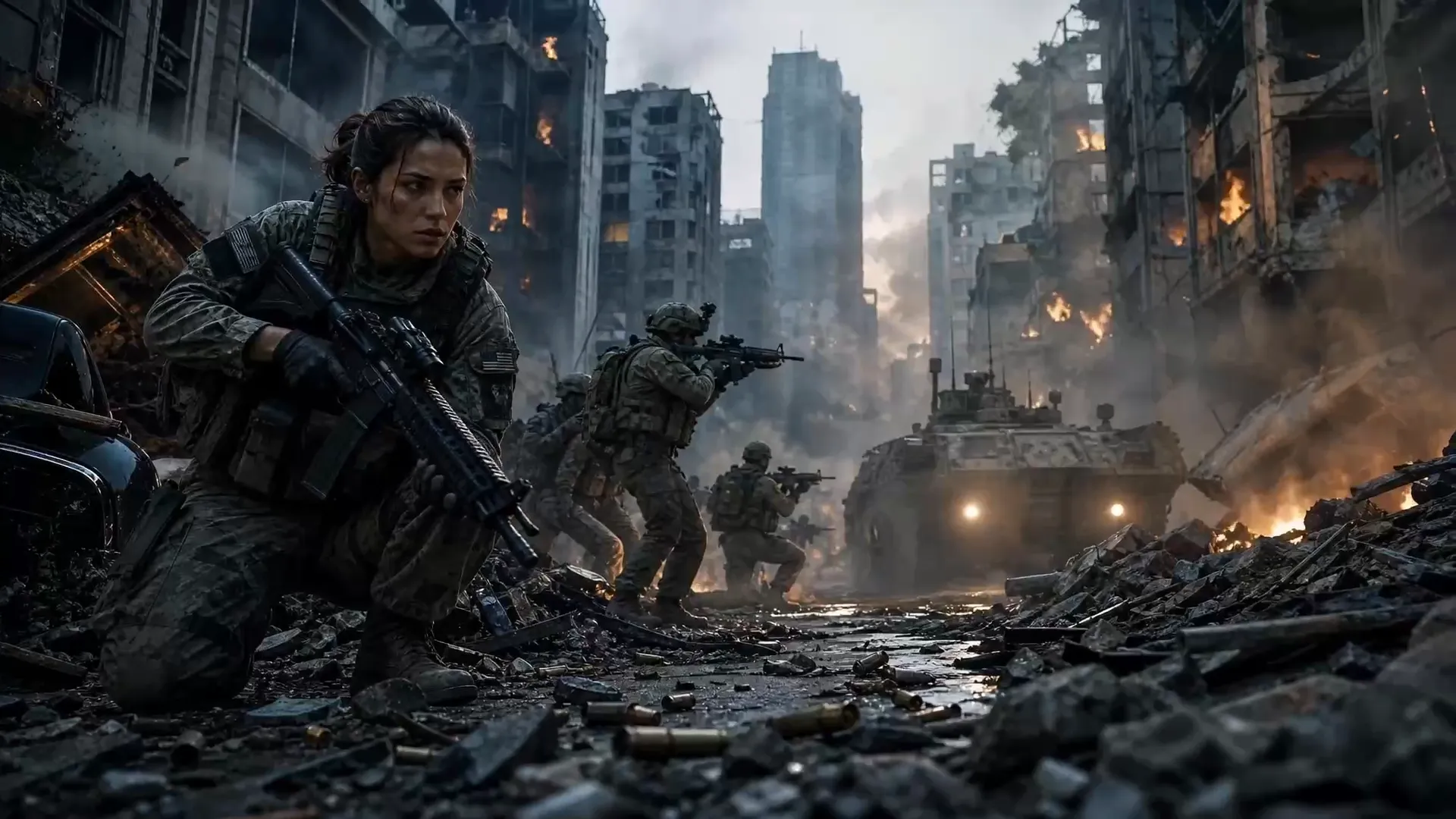
Bring characters, products and settings together
Combine 1–15 reference images. Explain which image defines the character, clothing, product or environment. Use this workflow to explore brand films, character scenes and animated storyboards.
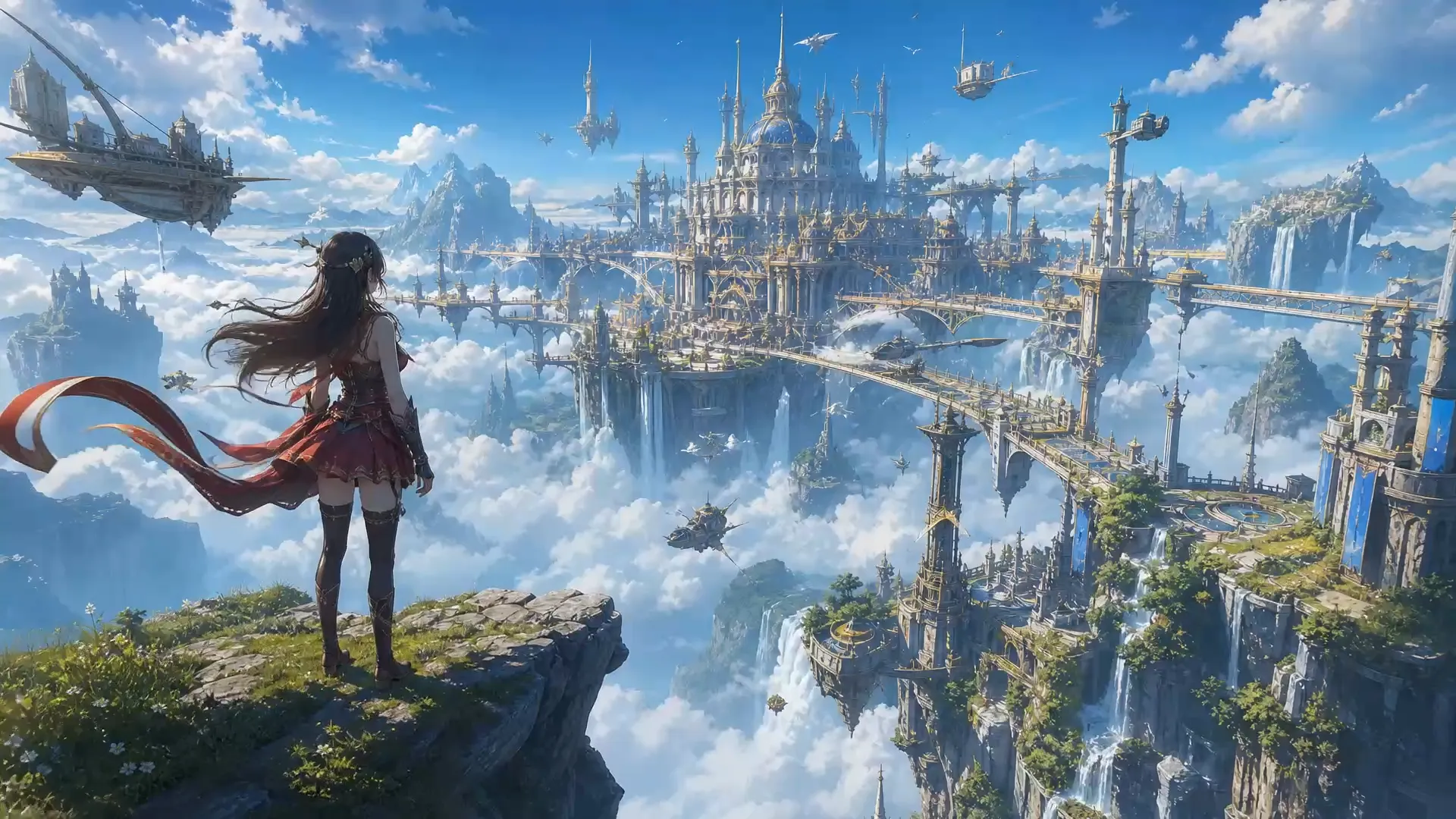
Give the scene a sound of its own
Enable generated audio and describe dialogue, ambience or action sounds in your prompt. Watch and listen to the full result before publishing. The workspace supports generated sound; voice-reference uploads are not yet available.
Official examples
Watch the examples published by Vidu and fal. These are provider demonstrations, not LimaxAI test results.
From first idea to finished clip, in one workspace
Upload images, choose duration and resolution, and review regular and member point estimates before submitting. Preview and download your result from production history, or reuse its settings for another iteration.
Write your idea as a shot
Start with the subject, then the action, camera and sound. Keep the first attempt focused on one main movement. Try 5 seconds at 720p to explore the direction before changing duration or resolution.
Example prompt: A glass perfume bottle rests on a pale stone plinth in morning light from the left. The camera slowly pushes in as the bottle gently rotates. Tree shadows move in the background. Keep the label clear; use only a soft breeze for sound.
How does pricing work?
Points depend on resolution and duration. Audio adds a fixed charge per task. Check the estimate before generating.
| Quality | Regular / second | Member / second |
|---|---|---|
| 540p | 11 | 6 |
| 720p | 22 | 11 |
| 1080p | 28 | 14 |
| 2K | 44 | 22 |
| 4K | 90 | 45 |
Generated audio adds 18 points per task for regular users, or 9 for members.
Example: 5 seconds at 720p costs 110 / 55 points without audio, or 128 / 64 with audio (regular / member).
FAQ
Can I use text only or first and last frames?
This Vidu Q4 integration offers image-to-video and reference-to-video. Both require at least one image. Text-only and first-and-last-frame modes are not available.
Which aspect ratios and resolutions are available?
Image-to-video inherits the first image’s aspect ratio. Reference-to-video offers 16:9, 9:16, 1:1, 3:4 and 4:3. Both support 540p, 720p, 1080p, 2K and 4K, with durations of 3–16 seconds.
How does pricing work?
Points depend on resolution and duration. Audio adds a fixed charge per task. Check the estimate before generating.