01
Decorate a photo with hand-drawn details
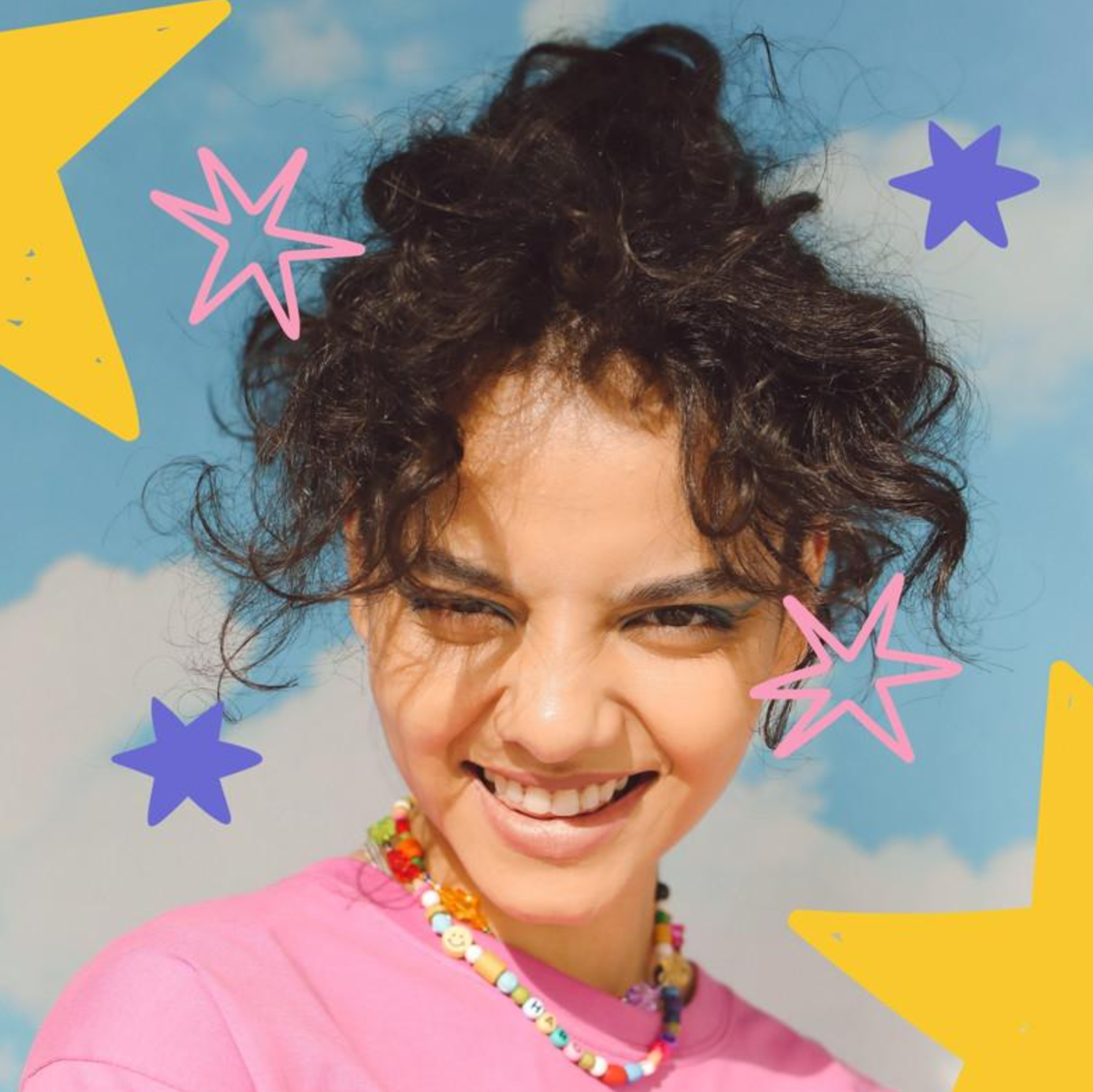
Add stars, hearts, curved lines and sticker shapes around a photographic subject. The intended effect is photo decoration rather than turning the entire picture into a cartoon.
作成を始める →
写真の落書き・ステッカー
写真に手描きの線や星、ステッカーを加えます。
ログインして必要クレジットを確認
AI写真デコレーション
Add stars, hearts, curved lines and sticker shapes around a photographic subject. The intended effect is photo decoration rather than turning the entire picture into a cartoon.
作成を始める →Try soft accents for everyday selfies or bold colors for energetic posts. A concise extra description helps communicate your preferred decorative elements.
作成を始める →Photos with space around the subject give stickers and lines room to breathe. Choose a suitable aspect ratio and check that the result does not obscure facial details.
作成を始める →Use a well-lit image with an unobstructed subject. Upload JPG, PNG or WebP up to 20 MB. Leave space around the person for the effect.
Select signature, soft or bold colors. Optionally describe preferred colors, elements or scenery; a built-in effect prompt provides the starting point.
Choose landscape, portrait or square composition. The default is 1K (4 credits); 2K costs 8 credits and 4K costs 12 credits.
Follow progress in creation history. Inspect faces, hands and decoration before downloading. Adjust the settings and submit again if needed; each submission follows current pricing.
Add stars, hearts, curved lines and sticker shapes around a photographic subject. The intended effect is photo decoration rather than turning the entire picture into a cartoon.
Use a well-lit image with an unobstructed subject. Upload JPG, PNG or WebP up to 20 MB. Leave space around the person for the effect.
The source guides the result, but AI can change facial details, clothing and composition. Review the image before sharing.
No. Start with a preset style and optionally add a short description of colors, elements or scenery.
1K is the default and costs 4 credits. 2K costs 8 credits and 4K costs 12 credits. Review the cost before generating.
Downloads preserve the generated image’s original format without conversion.
Timing depends on service load, input and output settings. Check creation history for progress. Review a failure before submitting again; a new submission may incur a new charge.
Generation uses account credits according to current pricing. Sign in to see the estimate before submitting and check the pricing page for plans.
料金 →You can experiment, but multiple faces and occlusion increase uncertainty. Start with a clear single-person photo.
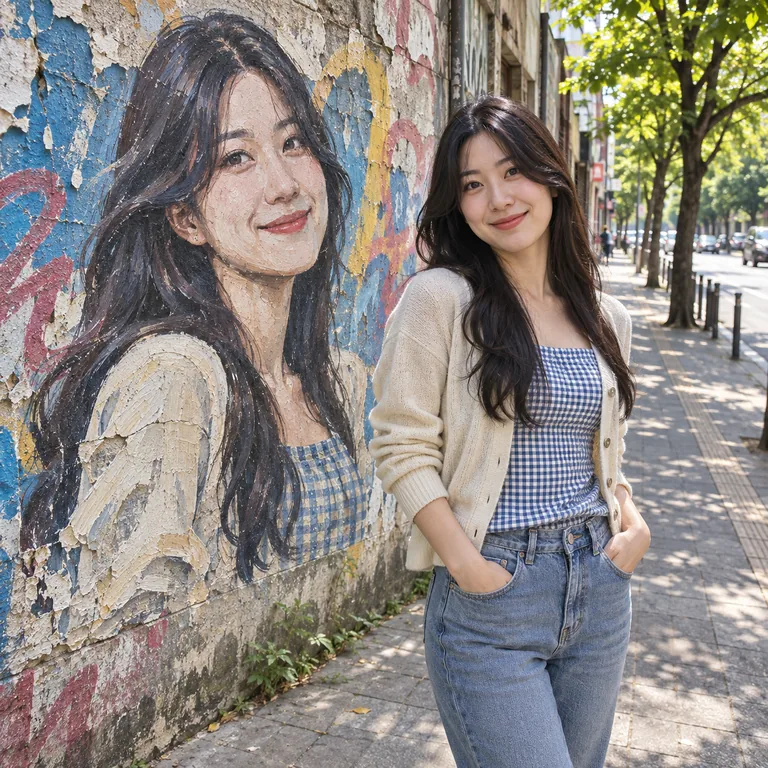
Choose Graffiti Wall Photo for a person beside a cartoon mural, or Photo Doodle for hand-drawn decorations around a photo. Use the related links below to switch.