Rough first, refine second
Start with a short prompt to lock composition and vibe, then add materials, micro-expressions, or brand colors—avoids long prompts that fight each other.

 AI Graffiti Wall Photo
 AI Doodle on Photo
 AI Scrapbook Photo Collage
 AI Birthday Magazine Cover
 AI Crochet Doll Photo
 Midjourney×
 LimaxAI
Try prompts and learn how to choose aspect ratio, stylization and reference images in LimaxAI. Explore examples, then continue in the creation workspace.
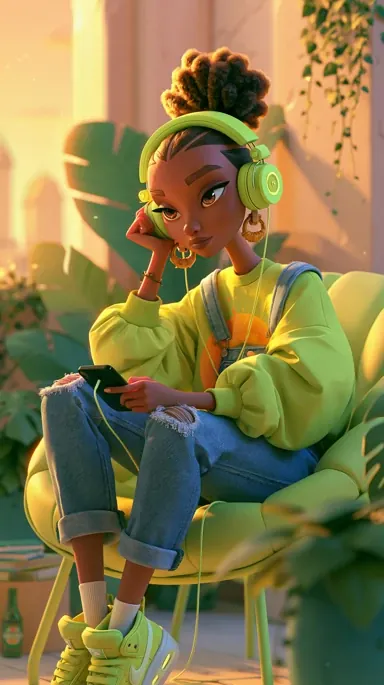 1 / 6
From idea to polished frame in seconds—every piece below is a real generation.
Prompting
Say what you are photographing or illustrating, then layer style, light, lens, and aspect ratio—clear structure beats a pile of adjectives. This follows the common “subject + style + light + mood + parameters” pattern used across the community.
① Subject & scene (who / where / doing what) ② Medium & style (photo, illustration, 3D, UI mock, etc.) ③ Light & palette (golden hour, soft fill, neon contrast…) ④ Lens & composition (wide, shallow DOF, symmetry, negative space) ⑤ Ratio & knobs (aspect, stylize, quality, reference weights). For web/UI work, add layout cues—nav, hero, card grid—to steer toward landing-page-ready comps.
Start with a short prompt to lock composition and vibe, then add materials, micro-expressions, or brand colors—avoids long prompts that fight each other.
For hero banners, landing heroes, or vertical social, spell out “hero section / full-bleed / lots of whitespace” and pick the right aspect (e.g. 16:9, 9:16) in the UI or parameters.
Style refs (sref family) lock palette and brush language; character/product consistency pairs well with character refs and image-weight tuning—more reliable than “in the style of …” alone.
Small variations, zoom-outs, or pans on the same prompt save tokens versus rewriting from scratch—great for long-scroll pages or wide carousels.
Midjourney
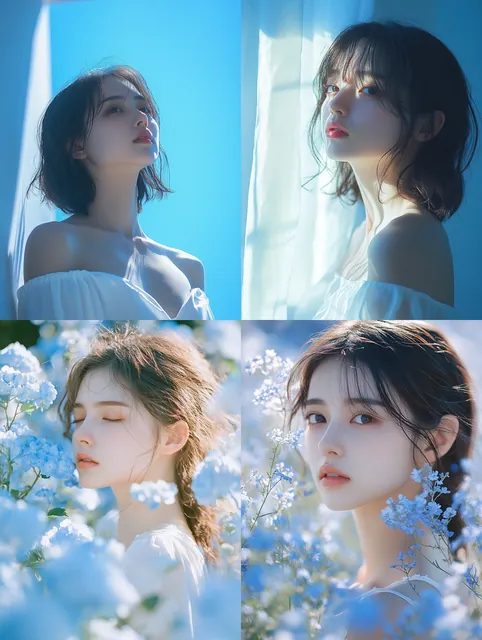
一个美丽的女孩,20岁,采用 contax tix 风格,浅白色和青蓝色,通风明亮,hamada hideaki拍摄风格,使用 fujifilm XT5 --v 6.1 --style raw
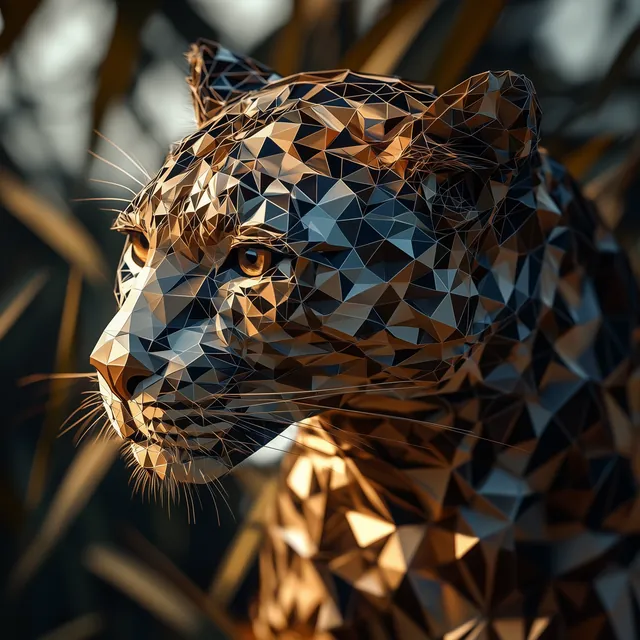
由几何形状制成的豹子。它是一种高分辨率、超写实、细节锐利的3D渲染数字艺术。它以辛烷渲染风格的全身肖像为焦点,明亮的光线和对称的构图。该作品是用超广角镜头拍摄的,从侧面看有景深
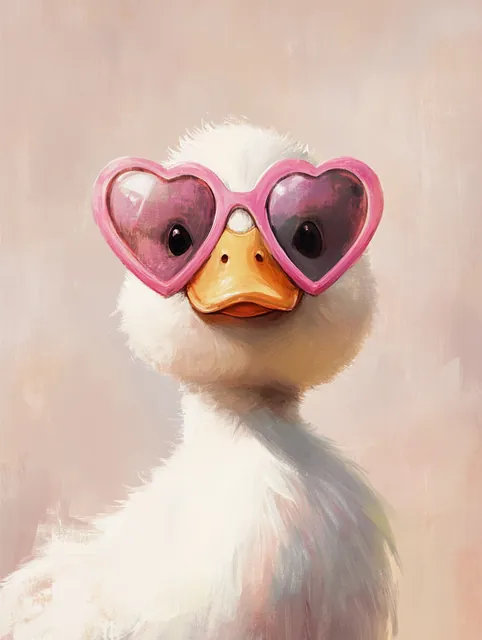
一只戴着超大粉色心形太阳镜的可爱白鸭的简约插图。简洁的线条和柔和的色彩赋予它复古的气息,而鸭子酷酷的表情增添了幽默、少女的魅力,写实的油画预科生风格 --v 6.1
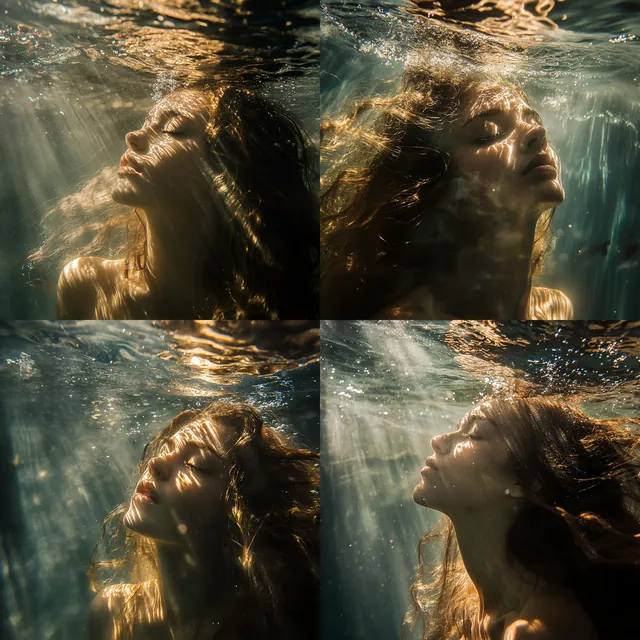
Midjourney
Still struggling with Discord? Follow this step-by-step tutorial to switch your Midjourney workflow to LimaxAI, the all-in-one platform for seamless artistic image generation.
Open →A collection of advanced Midjourney prompts for portrait photography across multiple styles and aesthetic pinnacles, including retro/fashion/cinematic vibes with 30+ references and a Limax AI creation portal.
Open →Midjourney Chinese-style autumn poster — AI tutorials, LimaxAI, AI tools, AI video/image palette, layout, and prompts.
Open →Midjourney minimal healing look and sky-mirror theme — AI tutorials, LimaxAI, AI tools, AI video/image prompts and color control.
Open →Parameters & refs
On Discord these often appear as suffix flags; in web tools they map to sliders and advanced settings. Valid ranges depend on the active model—check in-product help for the latest.
| Parameter | What it does | Tip |
|---|---|---|
| --ar (aspect ratio) | Sets canvas ratio such as 1:1, 16:9, or 9:16. | Pick the channel first—social vertical, deck widescreen, print square—then choose the ratio. |
| --stylize / stylize | How “interpretive” the model is; higher values feel more artistic, lower values stick closer to the literal prompt. | Lower for literal product shots; raise for poster or illustration energy. |
| --quality / quality | Detail/render cost tier—impacts texture and time. | Use lower tiers for exploration; bump quality before upscale or final delivery. |
| --chaos | Variety between results; high values encourage wilder compositions and mixes. | High for brainstorming; conservative or default when you need product consistency. |
| --seed | Locks randomness so you can reproduce a similar composition and palette. | Save the seed when you like a comp, then tweak wording in small steps to compare. |
| Image prompt / --iw | Uses an upload to steer layout, subject, or color with adjustable weight. | Great for product plates, character turnarounds, or mood-board collages. |
| Style reference / --sref | Locks palette, brushwork, or material language from a reference image. | Ideal for brand systems and series posters that must match. |
| Character reference / --cref | Emphasizes face, hair, outfit consistency for people or mascots. | Pair with a clear portrait reference for serial illustrations or VTuber-style sets. |
Get started
No specialist background required—ship frames quickly.
Use natural language—mix languages if you want. More concrete detail usually yields tighter results.
Add reference images, pick aspect ratio and quality tier, then generate in one click.
Grab full-resolution files when you are happy—suitable for commercial work subject to your plan and our Terms.
FAQ
LimaxAI bundles generation, billing, and workflow in one place with localized UI and prompt assistance, plus integrations tailored to teams using LimaxAI—so you spend less time switching tools or accounts.
Yes—outputs you generate through LimaxAI are licensed for commercial use within the limits of your subscription and our Terms of Service, including print and digital distribution.
Common raster formats such as PNG and JPG, including high-resolution downloads suitable for professional print.
Each generation returns multiple candidates so you can compare compositions and pick the best fit.
Include subject, style cues, lighting or palette preferences, and aspect ratio. Specific, structured prompts usually outperform vague one-liners.
Try it now
Join creators worldwide and turn briefs into finished visuals faster.